
KJumpingCube
Categories: Games
Games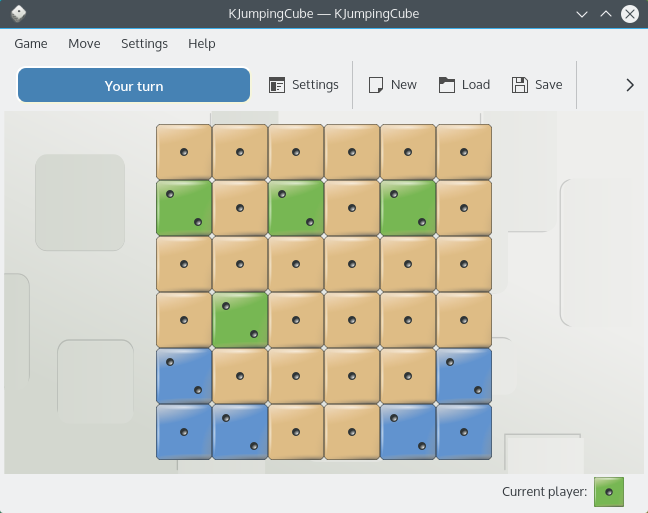



How to play
Objective: Conquer all the squares on the game board to win the round.
KJumpingcube loads directly into the game mode, so you can start playing right away.
You move by clicking on a vacant square or the one you already own. If you click on a vacant square, you gain an ownership over it and square’s color changes to your playing color. Each time you click on a square, the value of the square increases by one. If square's value reaches maximum (the maximum value any square can reach is six points), its points are distributed amongst the square’s immediate neighbors (the points ‘jump’ around). If a neighboring square happens to be owned by the other player, it gets taken over together with all of its points and changes color to your playing color.
Example: If a square in the centre reaches five points, four of its points go to its four neighbors leaving the source square with a single point. It is possible for a cascade of automatic moves to occur if the neighboring squares also reach a maximum due to the points’ distribution.
Note: Large parts of the playing area can change hands very rapidly.
The winner is the player who ends up owning all the squares on the board.